Click the [T] icon in the left toolbar, then select the...
VIEW DETAILS
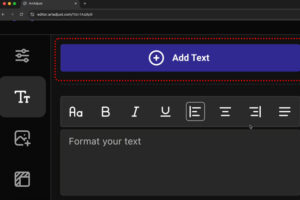
Click the [T] icon in the left toolbar, then select the...
VIEW DETAILS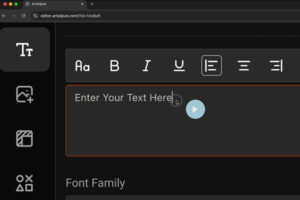
You can adjust and format font styles on the ArtAdjust Canvas...
VIEW DETAILS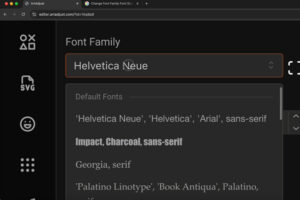
You can adjust the font family, font size, letter spacing, and...
VIEW DETAILS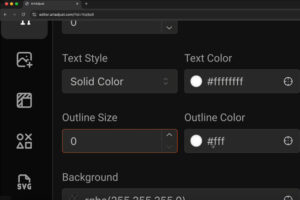
You can easily modify the appearance of your text by altering...
VIEW DETAILS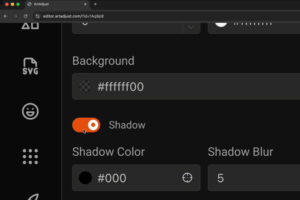
You can effortlessly add a text shadow, flip text horizontally (flip-x)...
VIEW DETAILS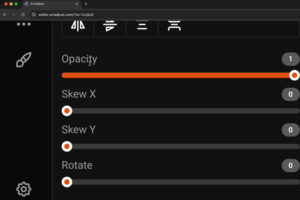
You can easily apply opacity, horizontal skew (skew-x), vertical skew (skew-y),...
VIEW DETAILS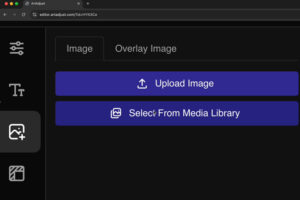
To add an image to the ArtAdjust Canvas, click the image...
VIEW DETAILS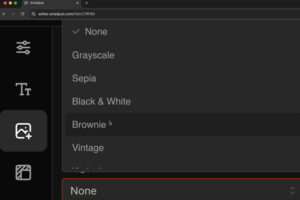
Step-by-Step Instructions to Apply a Filter on Your Image Select the...
VIEW DETAILS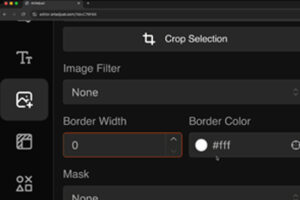
Step-by-Step Instructions to Apply a Border on Your Image in ArtAdjust...
VIEW DETAILS