 10 June 2025
Transform Your Images Instantly with Opacity, Skew, and Rotation Tools
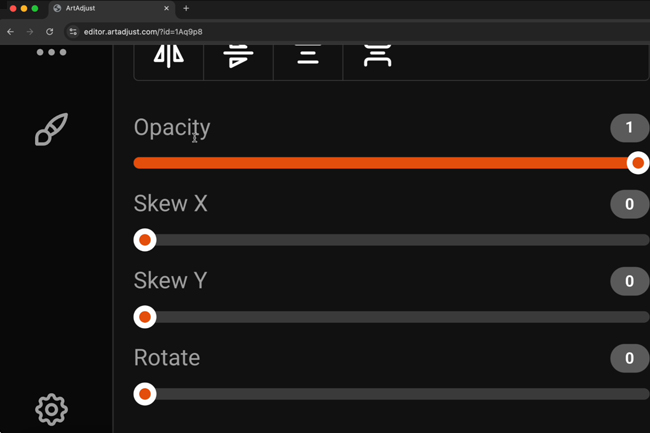
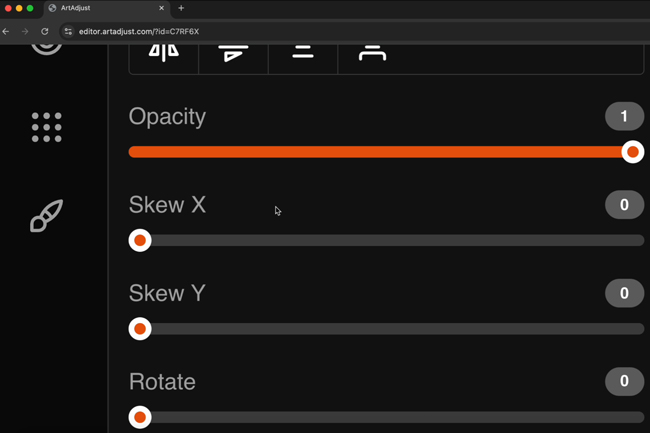
Short Description: Easily enhance your images in ArtAdjust Canvas by adjusting opacity, applying horizontal (skew-x) or vertical (skew-y) skew, and rotating your image. Simply click on the opacity slider button panel to access these intuitive formatting features and elevate your design with professional effects.